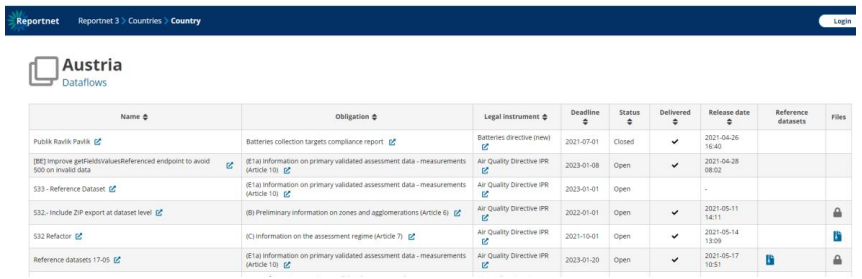
How to set a dataset as Reference Dataset
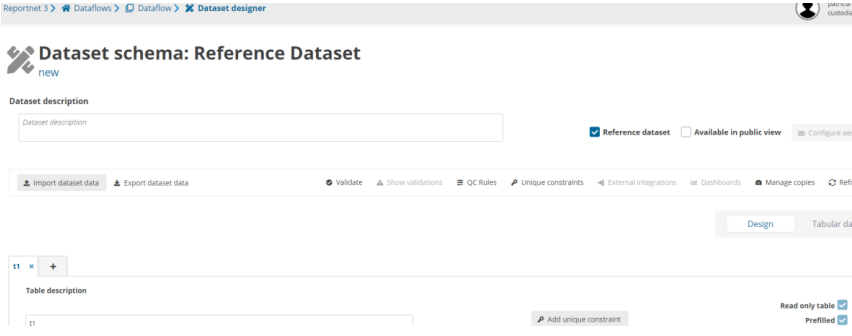
- The custodian/steward has the option to set the design dataset as Reference
Dataset. - All tables in this dataset are set as prefilled and read-only.
- No possibility to configure external integrations or webforms.
- This reference dataset is unique for the dataflow.
- All reporting datasets, test datasets, DC datasets and EU datasets link the same
reference dataset (not needed to copy for each country and copy in release
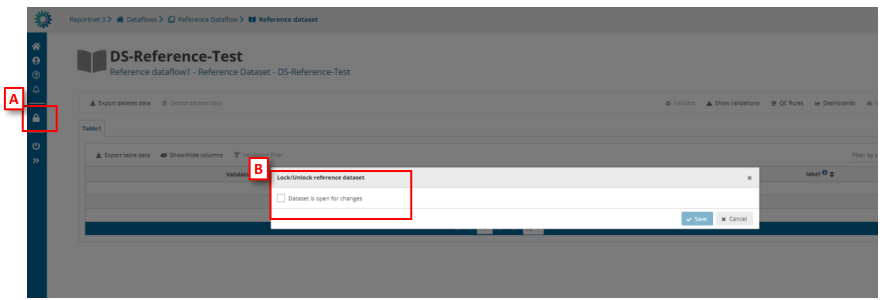
actions). - Reference datasets could be updateable or not if the dataset is marked as locked
or unlocked by clicking on a button in the left bar [A] and marked as open for
changes or not [B]
i. Option not available on reference dataflows. - From public page, reference dataset schema files can be downloaded.
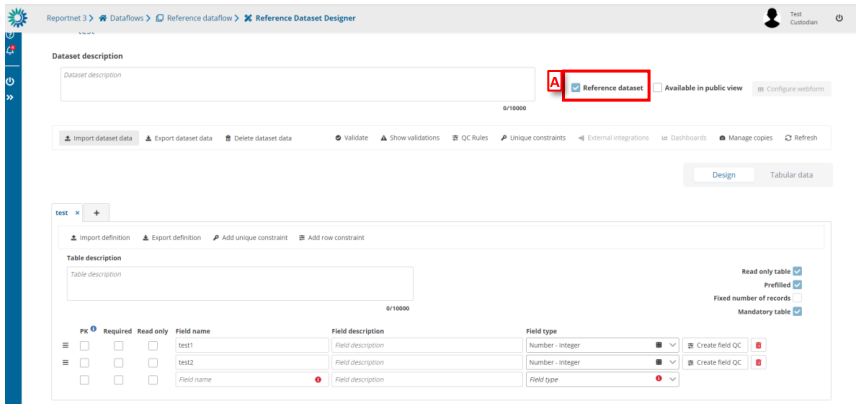
How to create a Reference dataset on Reference dataflow
Inside reference dataflow you can create a new schema. By default, this new schema will be marked as reference dataset [A].
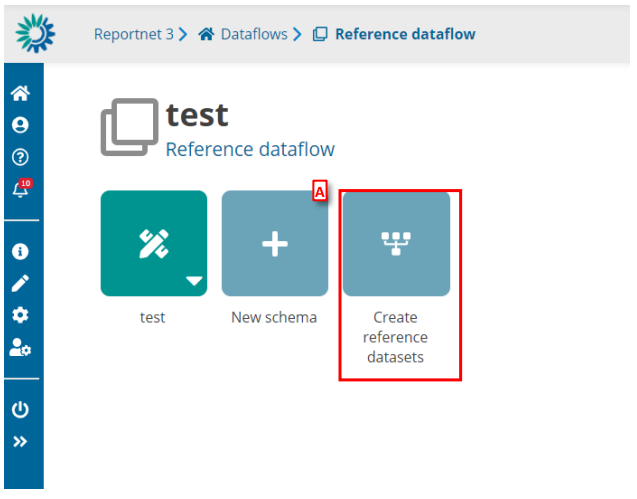
- If you have added at least one dataset and created a dataset schema, then the ’Create reference datasets’ [A] button will be enabled.
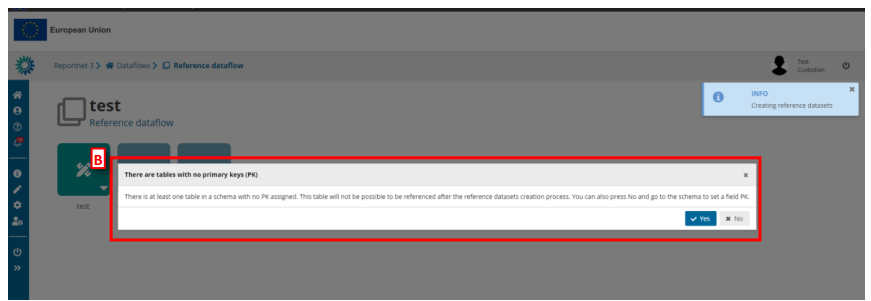
- Click the ’Create reference datasets’ [A] button. If all tables in all schemas have PKs the process starts. But if there are tables without PK, a modal [B] appears to have the option to continue or cancel the process.